

Built for the Way You Trade
Bring charting, automated strategies, market depth and flexible order types together on MT5.

Advanced Charting
38 built-in technical indicators and 21 timeframes

Algorithmic Trading
Highly customizable automated trading strategies

Market Depth
Full Level 1 and Level 2 market depth

Advanced Orders
Advanced order types, including stop-limit orders, for more flexible position management

Connect to ApogeeX on MT5
Choose your device for step-by-step login instructions.
Log in with MT5 mobile
For iOS / Android · about 1 minute
1. Find and install MetaTrader 5 in your app store.
2. Open the app, go to account management and select “Add Trading Account.”
3. Search for “ApogeeX” in the broker search field.
4. Enter your trading account number and password.
5. Select the appropriate server from the drop-down menu and log in.
Log in with MT5 desktop
For Windows / macOS · about 1 minute
1. Install and launch MT5 on your desktop.
2. Go to Open an Account and select the option to connect to an existing trading account.
3. Search for “ApogeeX” and continue.
4. Enter your trading account number and password.
5. Select the appropriate server and log in.
Log in with MT5 on the web
No download, log in right in your browser · about 30 seconds
1. Scroll to the bottom of this page.
2. Select the web trading link for your server.
3. Enter your trading account number and password to log in.
Trade with MetaTrader 5
Analyze markets, place orders and run Expert Advisors on MT5, with access across desktop, mobile and web.
- EA auto trading
- Pro charts
- Multi-device sync
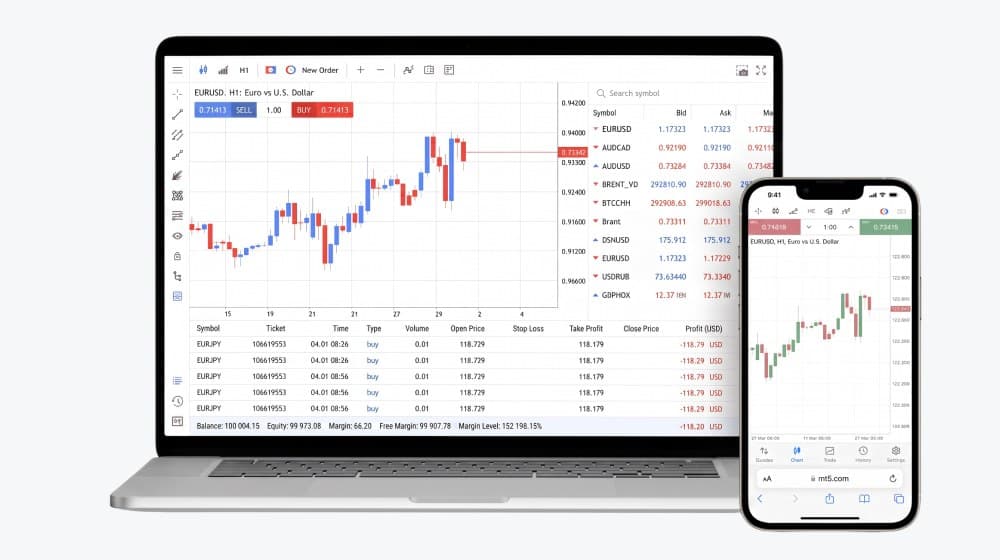

Mobile
Trade anywhere, anytime and seize every market opportunity


Desktop
More powerful charting, a professional trading experience


Web
No download, quick login, start trading right away
 MT5 WebTrader (Live)
- No installation
- Trade directly in the browser
- Real-time sync with desktop